
User Authentication System
What is a User Authentication System?
A User Authentication System is a full-stack MERN web application that allows users to securely register, login, logout, access protected pages, and manage their profile.
It is used to verify whether a user is valid before giving access to private pages like dashboard, profile, settings, or admin panel.
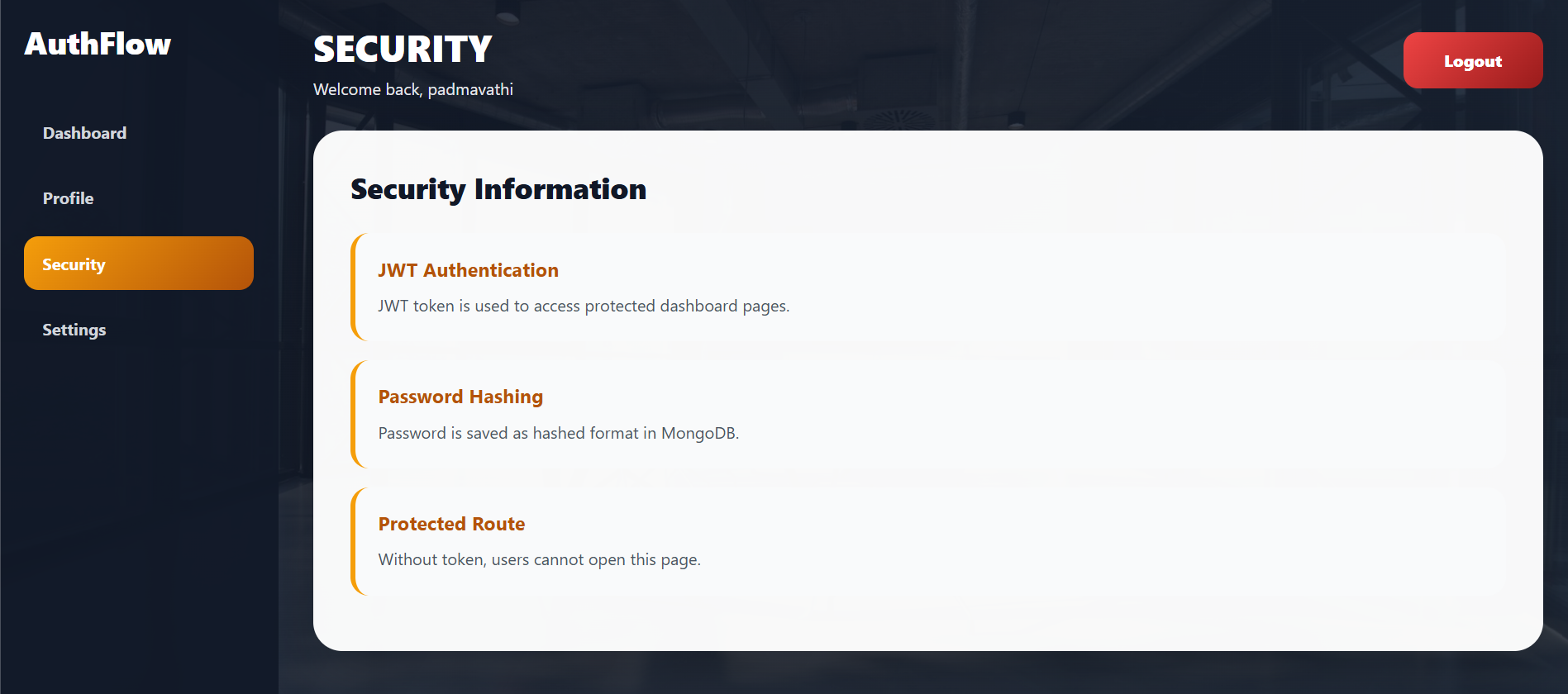
The application uses JWT authentication to identify logged-in users and bcrypt password hashing to store passwords securely in MongoDB.
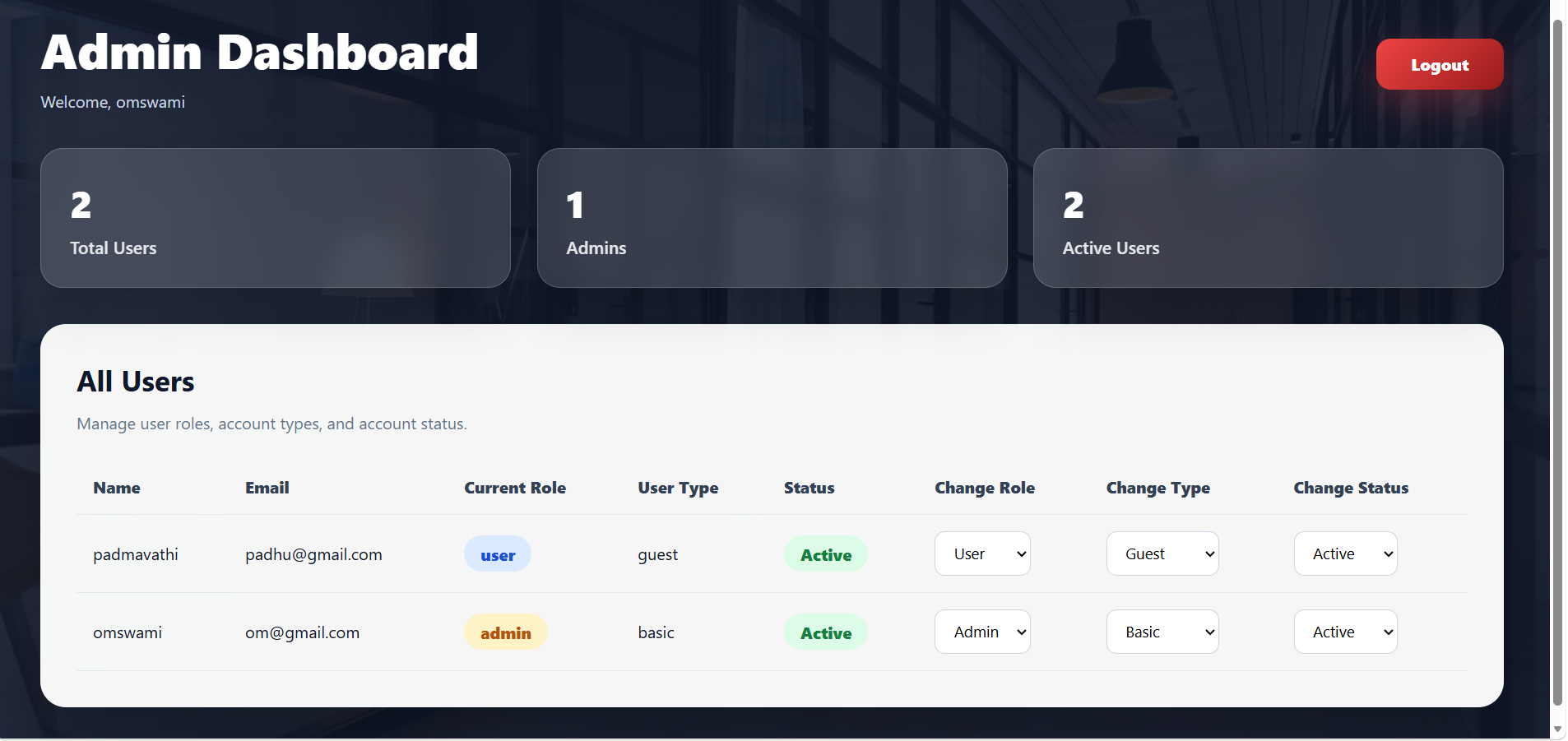
In this project, an Admin panel is also included. The admin can view all registered users, change user roles, update user types, and activate or deactivate user accounts.
The User Authentication System helps websites protect private data and allow only authorized users to access secure pages.
Unlock New Career Opportunities
⬇️
Features of User Authentication System
User Features
| Feature | Description |
|---|---|
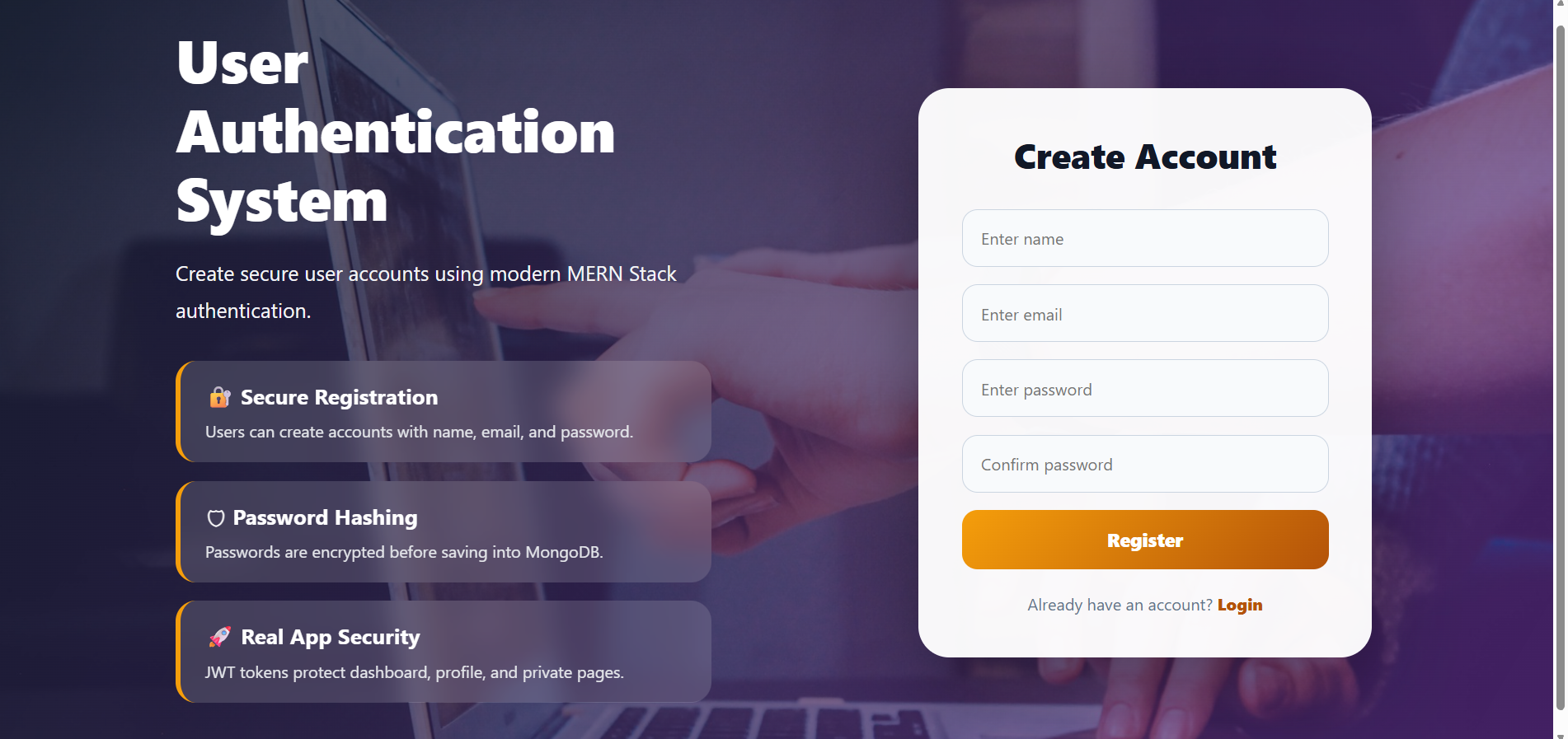
| User Registration | Create a new user account |
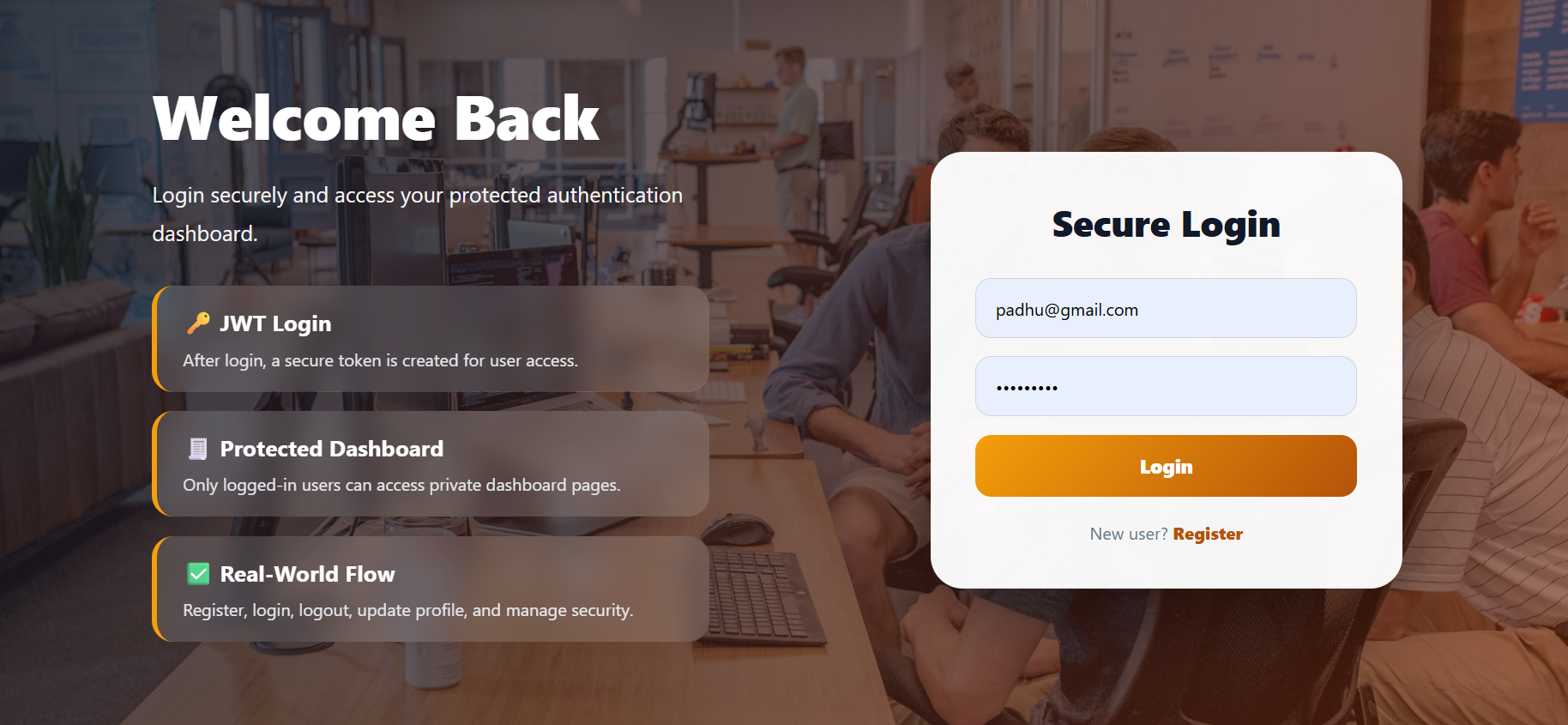
| User Login | Login securely using email and password |
| JWT Authentication | Token-based user security |
| Password Hashing | Passwords are encrypted before saving |
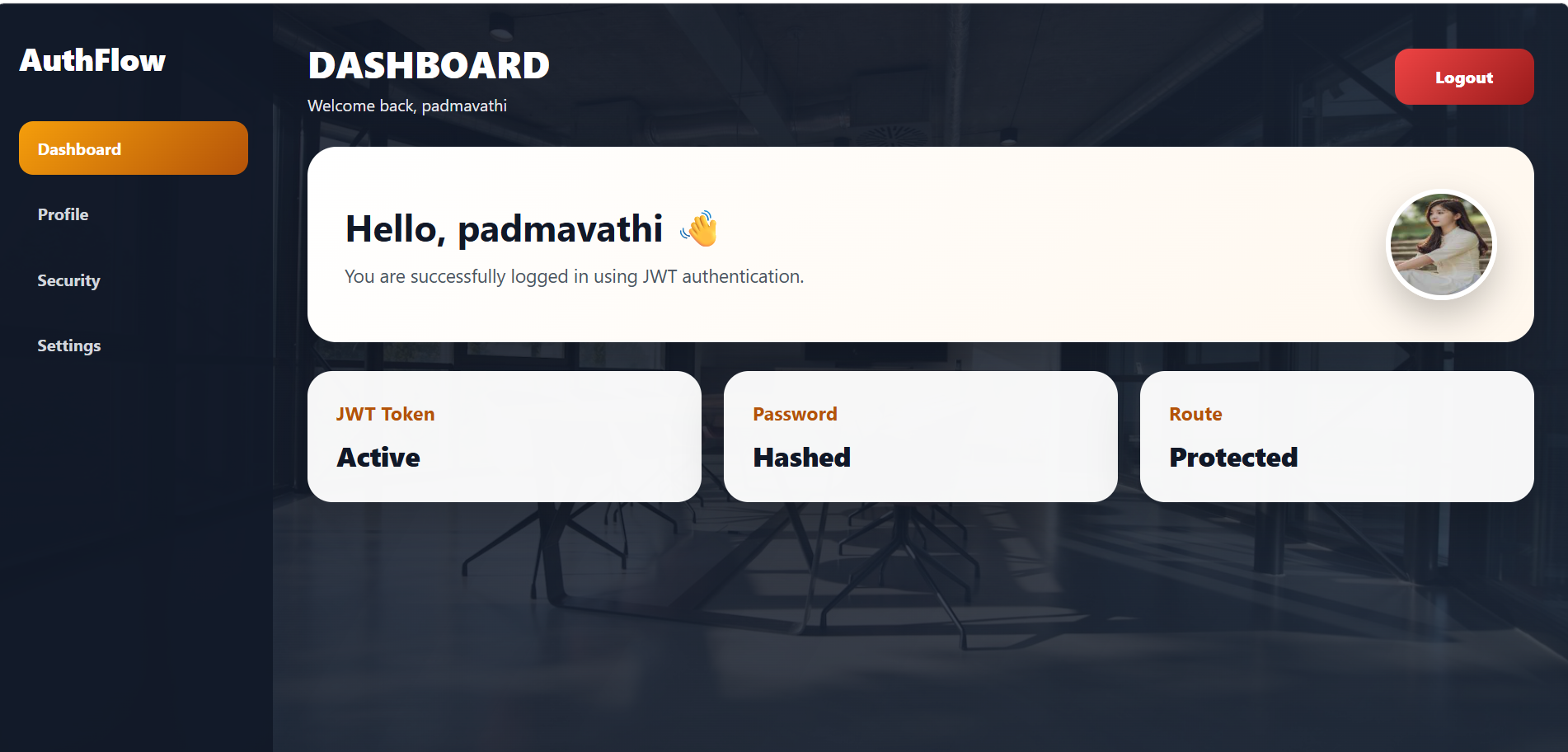
| Protected Dashboard | Only logged-in users can access dashboard |
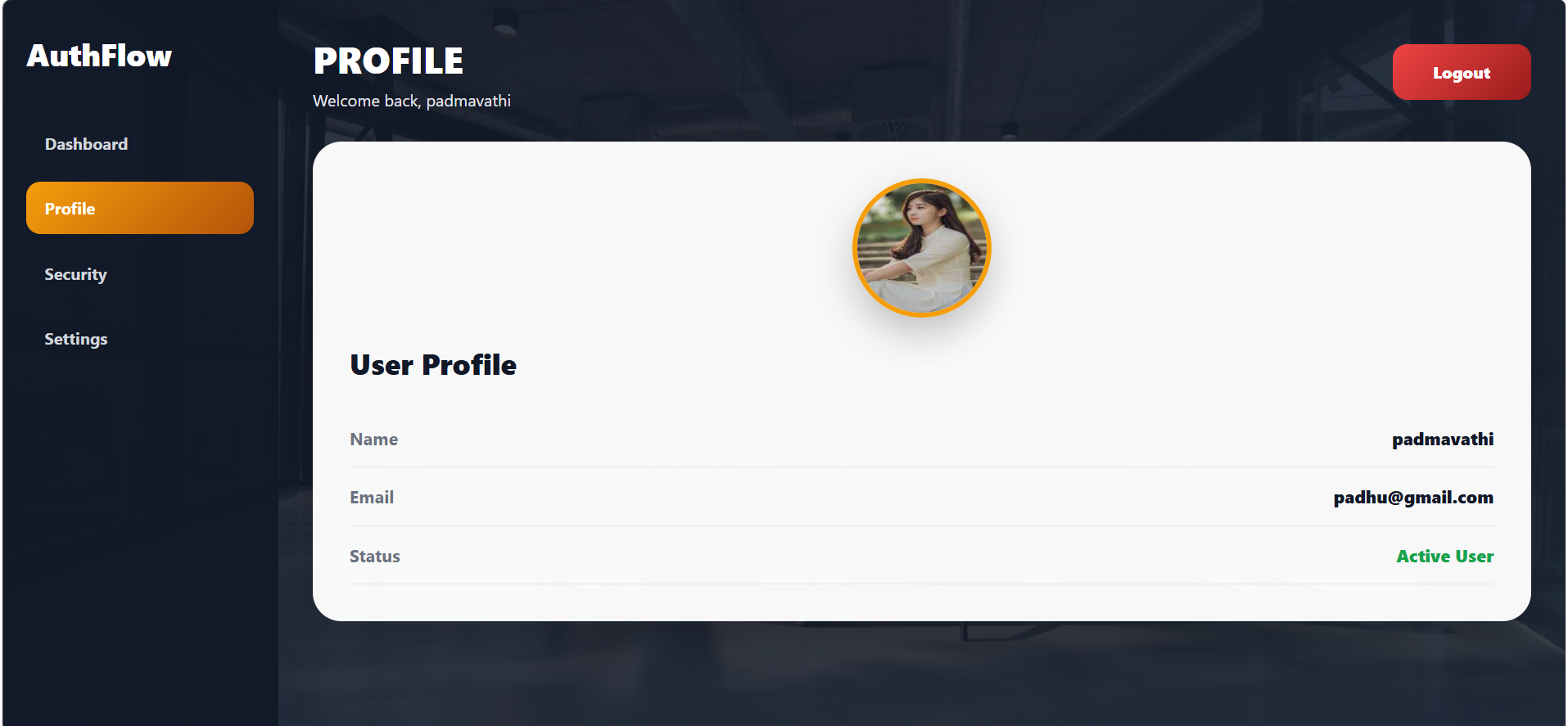
| Profile Page | View user name, email, and status |
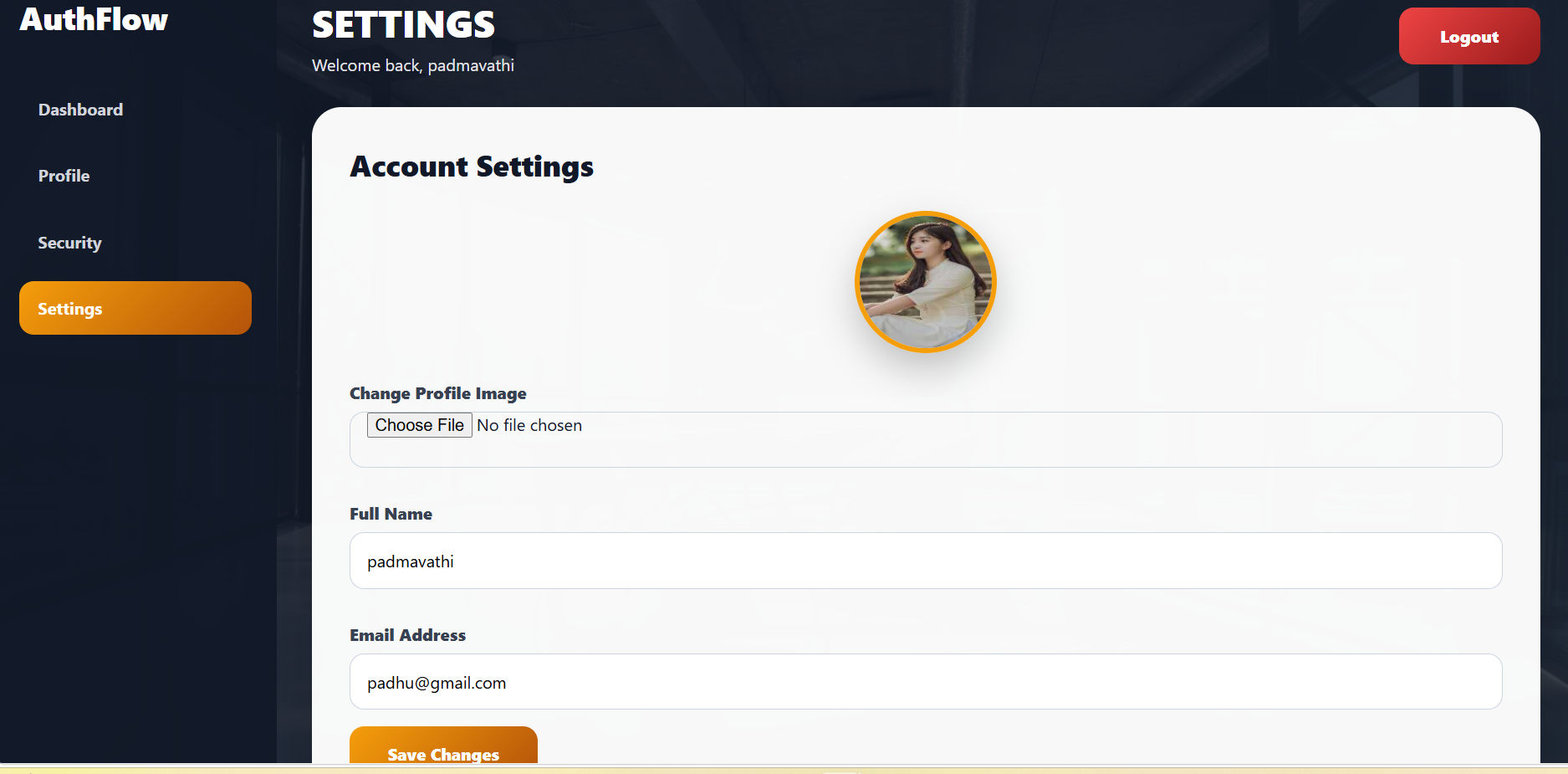
| Settings Page | Update name, email, and profile image |
| Logout | Securely remove token and logout |
| Active Status | Shows whether user account is active |
| Inactive Status | Blocks user access if admin disables account |
Admin Features
| Feature | Description |
|---|---|
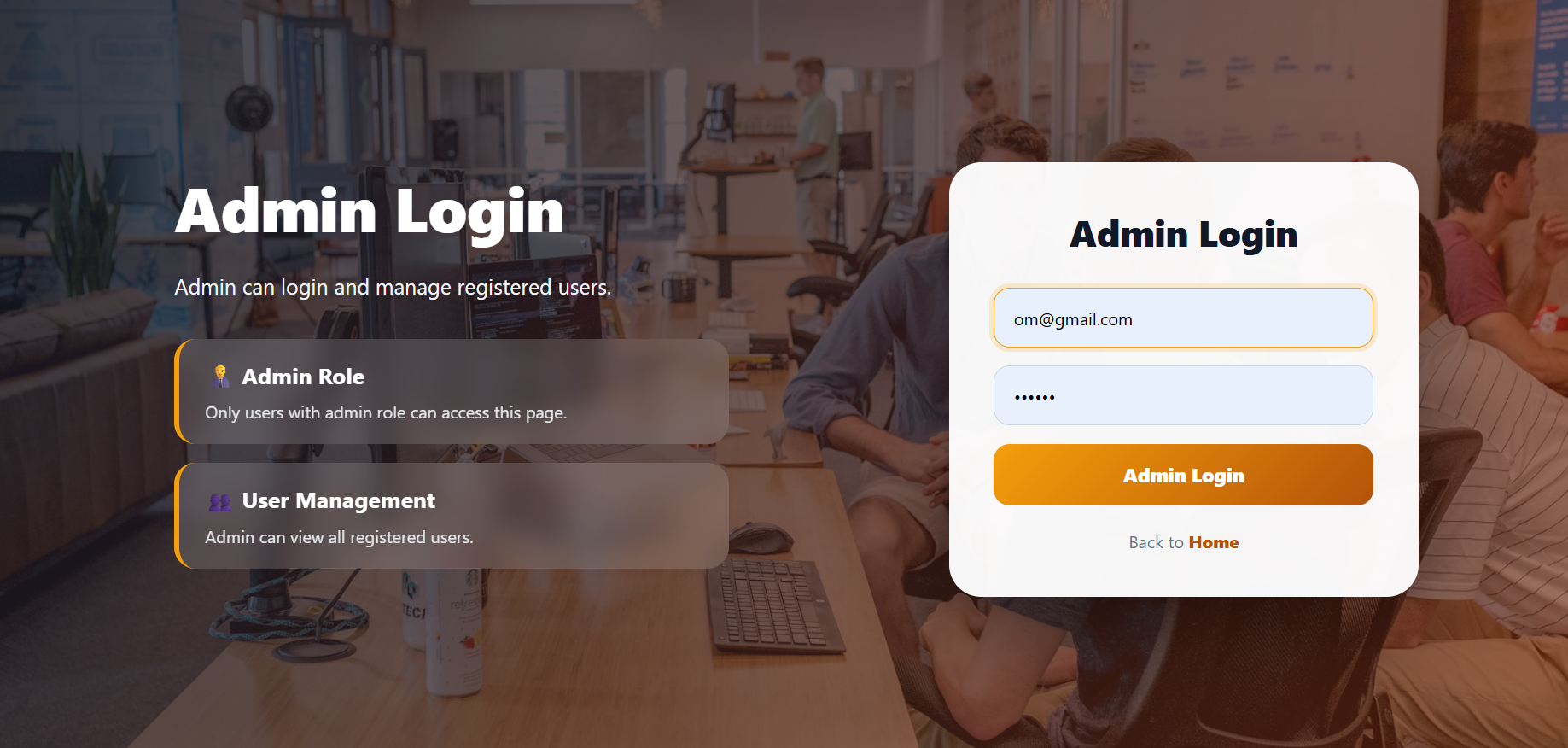
| Admin Login | Secure login for admin users |
| View All Users | Admin can see all registered users |
| Change Role | Admin can change user role |
| Change User Type | Admin can update user type |
| Change Status | Admin can activate or deactivate users |
| Role Management | Admin can manage user/admin access |
| User Monitoring | Admin can check registered users |
| Account Control | Admin can block inactive users |
Public Features
| Feature | Description |
|---|---|
| Home Page | Shows project introduction and navigation |
| Register Button | Opens user registration page |
| User Login Button | Opens user login page |
| Admin Login Button | Opens admin login page |
| No Direct Access | Dashboard pages are protected |
MERN Stack User Authentication File Structure
A MERN Stack User Authentication System is divided into three main parts:
Frontend, Backend, and Database.
The frontend creates the user interface, the backend handles APIs and authentication logic, and MongoDB stores users and role data.
Technologies Used
Frontend
| Technology | Purpose |
|---|---|
| React.js | User Interface Development |
| Vite | Fast React Development Tool |
| JSX | UI Component Syntax for React |
| CSS | Styling and Layout Design |
| Axios | API Communication |
| React Router DOM | Page Navigation and Routing |
Backend
| Technology | Purpose |
|---|---|
| Node.js | JavaScript Runtime Environment |
| Express.js | Backend API Framework |
Database
| Technology | Purpose |
|---|---|
| MongoDB | Stores user data |
| Mongoose | Connects MongoDB with Node.js |
Authentication
| Technology | Purpose |
|---|---|
| JWT Token | Secure token-based login |
| bcrypt | Password hashing and security |
Backend Files Included
server.js
routes/authRoutes.js
routes/userRoutes.js
routes/adminRoutes.js
controllers/authController.js
controllers/userController.js
controllers/adminController.js
models/User.js
middleware/authMiddleware.js
.env
package.json
Frontend Files Included
main.jsx
App.jsx
pages/Home.jsx
pages/Register.jsx
pages/Login.jsx
pages/Profile.jsx
pages/AdminLogin.jsx
pages/AdminDashboard.jsx
App.css
index.css
package.json
Simple User Authentication Flow
User opens Home page
↓
User clicks Register
↓
User creates account
↓
Password is hashed using bcrypt
↓
User data is saved in MongoDB
↓
User clicks Login
↓
Backend verifies email and password
↓
JWT token is created
↓
Token is saved in browser
↓
User opens protected dashboard
Admin Flow
Admin logs in
↓
Backend checks admin role
↓
JWT token is created for admin
↓
Admin Dashboard opens
↓
Admin views all registered users
↓
Admin can change role, user type, and active status
User Status Flow
Admin changes user status
↓
isActive becomes true or false
↓
Active user can login
↓
Inactive user cannot login
Example:
isActive: true  → Active User
isActive: false → Inactive User
Backend Execution
Backend Installation Commands
mkdir backend
cd backend
npm init -y
npm install express mongoose cors dotenv bcryptjs jsonwebtoken
npm install nodemon --save-dev
mkdir models routes controllers middleware
type nul > server.js
type nul > .env
npm run dev
Backend Flow
server.js
↓
Routes
↓
Controllers
↓
Middleware
↓
Models
↓
MongoDB
Frontend Execution
Frontend Installation Commands
mkdir frontend
cd frontend
npm create vite@latest .
npm install
npm install axios react-router-dom
npm run dev
Frontend Flow
main.jsx
↓
App.jsx
↓
Pages
↓
Axios API Calls
↓
Backend
↓
MongoDB
User Authentication Architecture
Frontend React UI
↓
Axios API Calls
↓
Backend Node.js + Express.js
↓
Routes
↓
Controllers
↓
JWT Middleware
↓
Mongoose Model
↓
MongoDB Database
↓
Response Back to Frontend
Output Screens of User Authentication System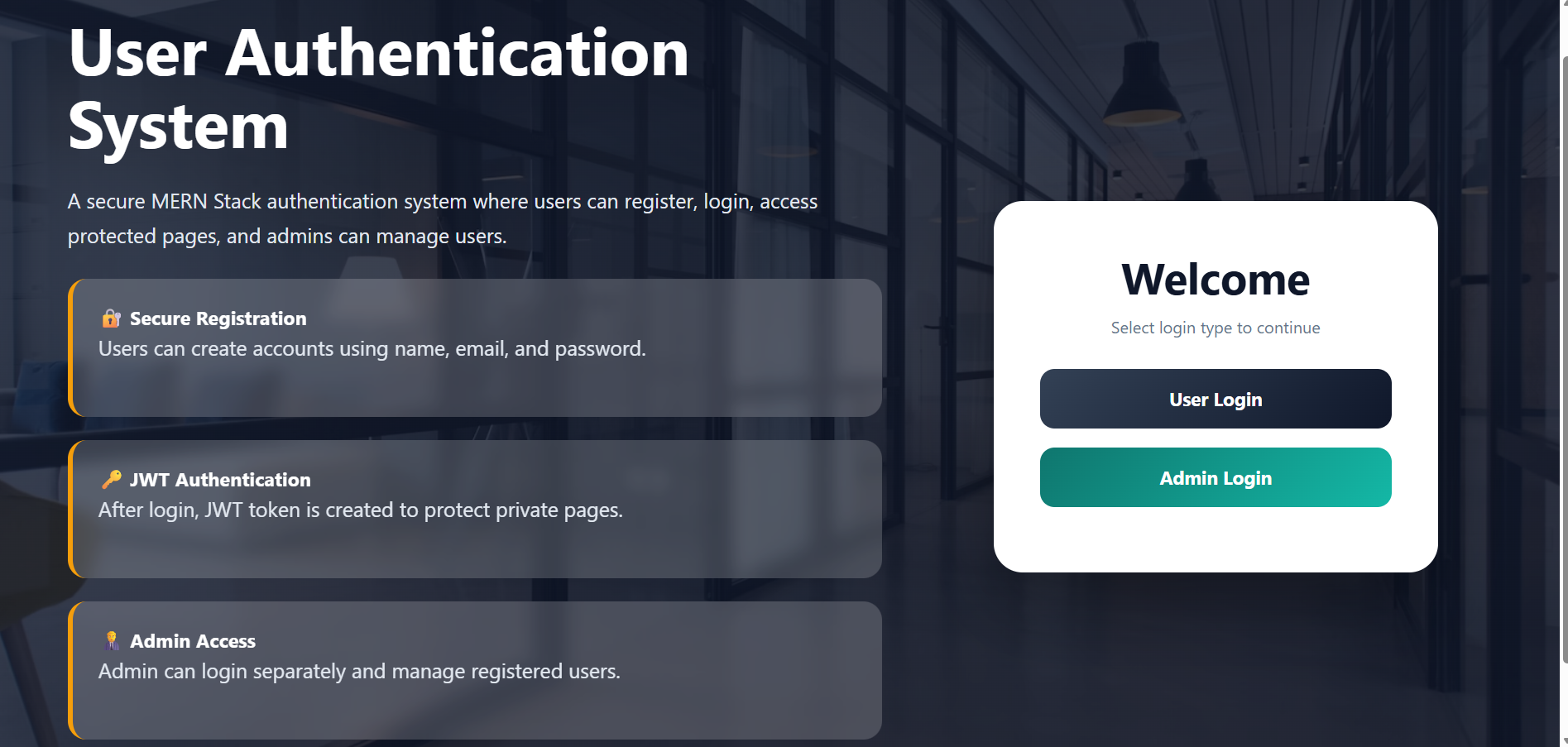
Keywords
User Authentication System, MERN Authentication System, React Login Register App, Node.js Authentication Project, MongoDB User Authentication, Express.js Login API, JWT Authentication, bcrypt Password Hashing, User Login System, Admin Login System, Role-Based Access Control, Protected Routes, React Vite Project, MongoDB Database, Axios API Calls, User Profile Dashboard, Admin Dashboard, User Role Management, Active Inactive User Status, Secure Login System, Full Stack Authentication App, MERN Stack Project, Beginner MERN Project, Full Stack Web Development.
Summary
The User Authentication System is a full-stack MERN application that allows users to securely register, login, logout, access protected dashboard pages, and update their profile. It uses JWT tokens for secure authentication and bcrypt for password hashing. The project also includes an Admin Dashboard where the admin can view all users, change roles, update user types, and activate or deactivate accounts. This project helps beginners learn React.js, Node.js, Express.js, MongoDB, JWT Authentication, bcrypt security, API integration, protected routes, role-based access control, and real-world full stack development.
Unlock New Career Opportunities
⬇️



