
Variables in Python
A variable in Python is a name given to a memory location that stores data or information.
The stored value can change during program execution, which is why it is called a variable.
For example:
X=10
Here, x is the variable name and 10 is the value stored.
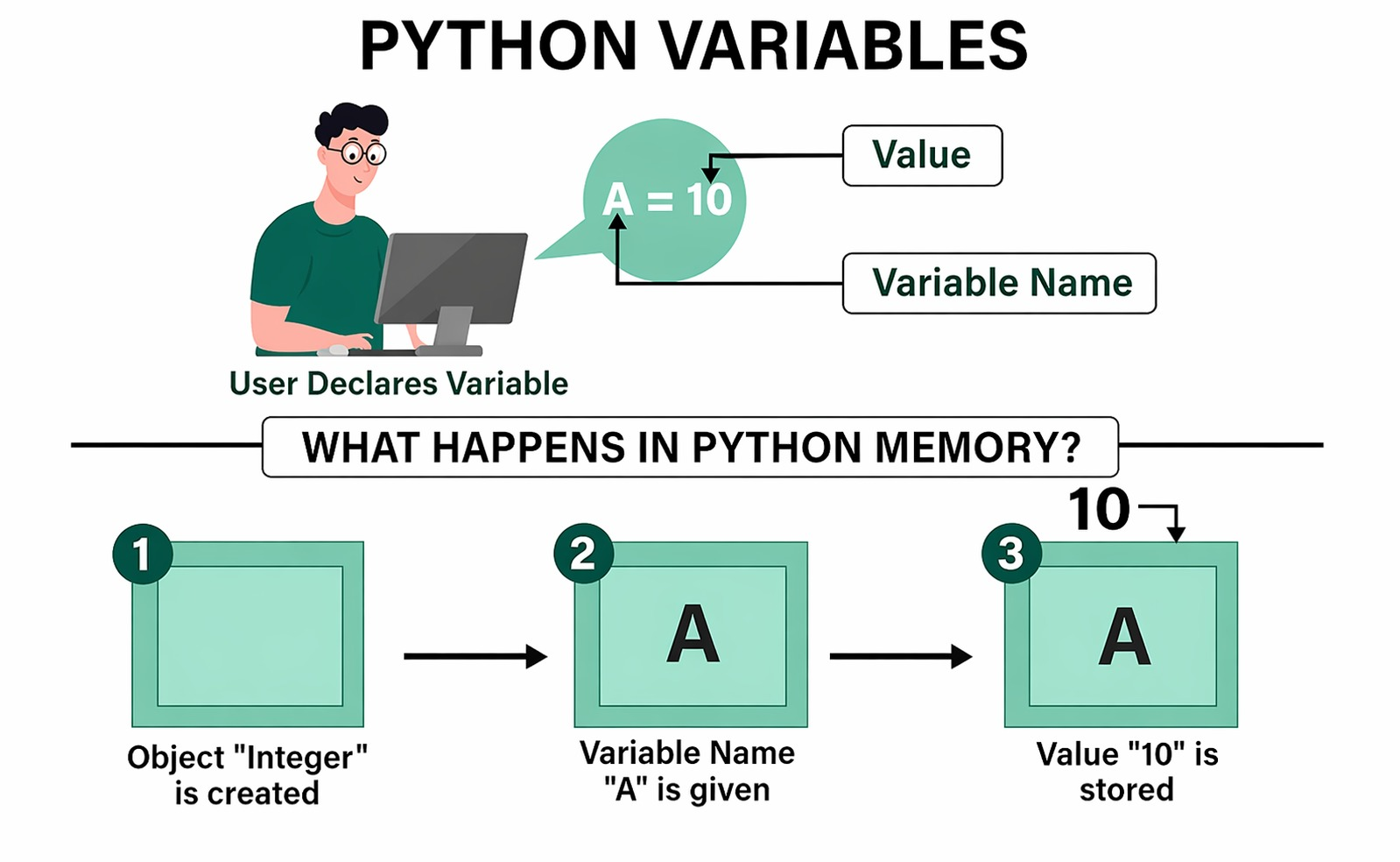
What is a Variable?
A variable is like a container in the computer’s memory used to store data.
Instead of writing the same value many times, we:
Store it once , Reuse it many times
This makes programs:
- Easier
- Faster
- More organized
How Python Handles Variables
One reason Python for beginners is easy is that Python automatically understands the data type.
- Assign a number → Python treats it as a number
- Assign text → Python treats it as a string
Example:
age = 10
name = "VMS"
Python detects:
- 10 → Integer
- "VMS" → String
This feature is called dynamic typing.
Syntax
variable_name = valueThe = symbol is called the assignment operator.
It assigns a value to a variable.
Explanation of Syntax
| Part | Meaning |
|---|---|
| variable_name | Name given to the variable |
| = | Assignment operator |
| value | Data stored inside the variable |
Practical Example
Think of a variable like a labeled box.
A box named x stores value 10.
x = 10
name = "VMS"

print(x)
print(name)
Output
10
VMS
Changing Variable Values
Variables can be updated anytime.
x = 10
x = 20

print(x)
Output
20The old value is replaced by the new value.
Rules for Naming Variables
Valid Rules
Must start with a letter or underscore
name = "Ravi"
_value = 20
Can contain letters, numbers and underscores
student1 = "Ram"
total_marks = 90
Invalid Rules
Cannot start with a number
Wrong:
1nameCorrect:
name1No spaces allowed
Wrong:
my nameCorrect:
my_name
Important Notes
Variables are case-sensitive
name = "Ram"
Name = "Ravi"
These are different variables.
Avoid Python Keywords
Do not use:
- if
- for
as variable names.
➤ Why Variables are Important
Variables in Python help us:
- Store data
- Reuse values
- Solve problems
- Perform calculations
- Write flexible programs
- Variables store data in a program.
- Python automatically detects data types.
- Variables make code reusable and flexible.
- Variable values can be updated easily.
- Proper naming rules help avoid errors.



